
About us
Built for the moments your screen isn't only yours.
Screens get shared, recorded, and watched remotely more than ever — especially on work machines. Shadow Browser started from a simple frustration: everything on a desktop is captured together, all or nothing, even when one window holds personal banking, email, or research that should stay yours.
What we build
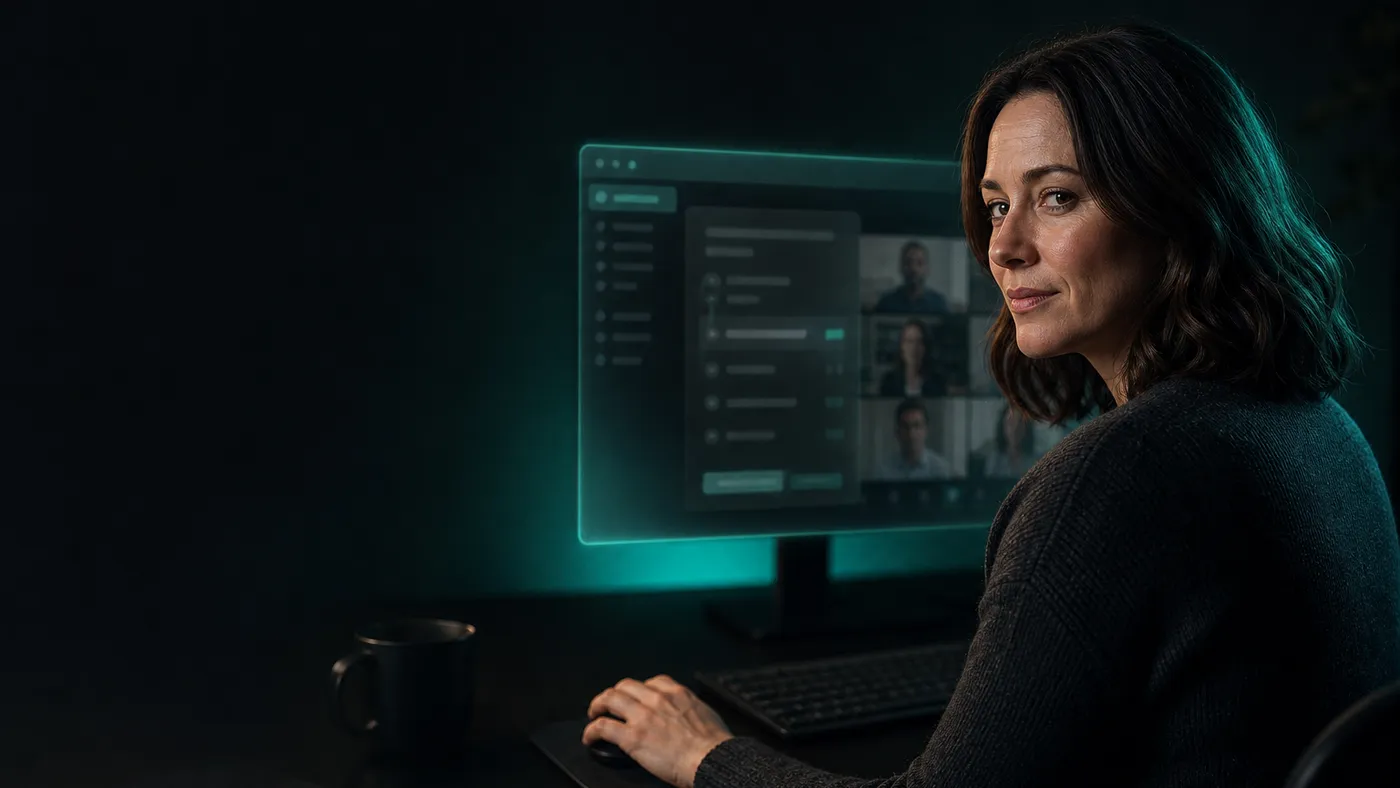
Shadow Browser is a native Windows browser that asks the operating system to leave its own window out of screen capture. Recorders, meeting share features, and remote-desktop tools that use the standard Windows capture path receive frames without it, while your monitor shows it normally.
Around that sits the rest of a real browser: an address bar and normal navigation powered by the same engine as Microsoft Edge, an opacity slider for when you want it barely there, click-through so your mouse reaches what is behind it, and global hotkeys to make it appear and disappear on command.
Access is a membership rather than a licence key. You sign in with an email and password, the app checks your remaining time with the server, and it stops working when that time runs out. A free one-day Trial lets you judge it before paying anything.
Who uses it
Anyone who needs a normal browser on a machine that also gets shared, recorded, or watched remotely.
Company PC, personal life
Developers and office workers can open personal banking, email, or side projects without them appearing in corporate screen shares, meeting recordings, or remote-support sessions.
Video calls & demos
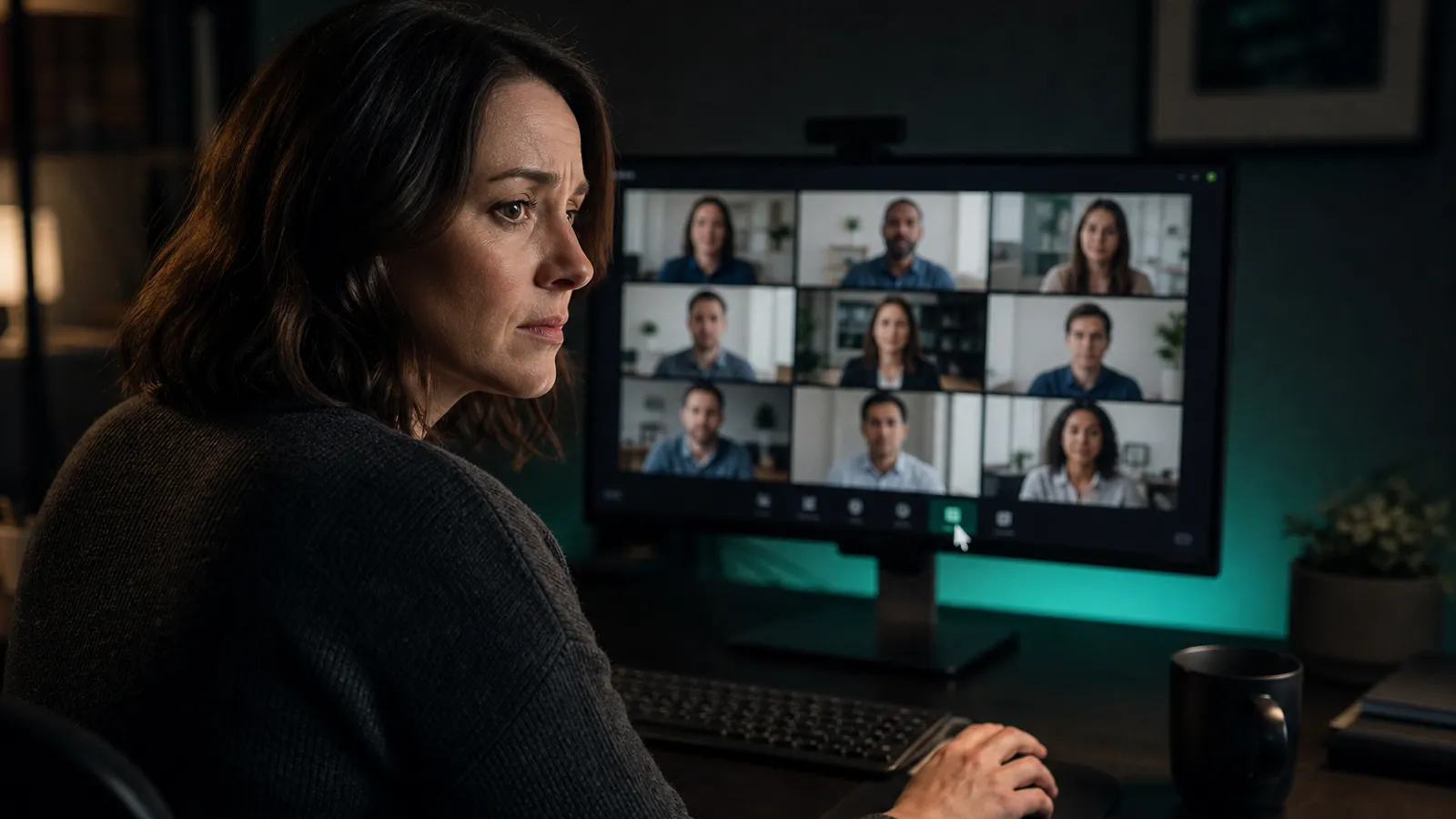
Share your desktop on Zoom, Teams, or Meet while Shadow Browser stays off the feed — notes, credentials, and private tabs never join the call.
Interviews & live coding
Interview mode drafts spoken-format answers from your resume, pages them with Chunk mode, and auto-scrolls at reading pace — in a window the interviewer’s screen share does not pick up on Windows. Trial includes 3 answers per interview; Premium is unlimited.
Remote desktop & IT support
When someone connects via RDP or remote assistance, the capture-excluded window is absent from their view even though it remains on your monitor.
Streaming & content creation
Record or go live without your private browser ending up in the VOD — useful for creators who keep admin panels or wallets open while streaming.
Client machines & shared desks
Consultants and freelancers can work on a client laptop without leaving personal sessions in the recording or the next person’s screen share.
What we hold ourselves to
A privacy tool that quietly collects data would be a contradiction. These are the rules we build against.
Your browsing stays on your machine
Cookies, history, and the pages you open are written to a local profile on your PC. We never receive them, so we cannot lose or hand over what we never had.
Accounts hold only what they must
An email, a membership expiry, and your order records. No profiling, no advertising identifiers, no analytics following you around.
Pay without a payment profile
Crypto through Cryptomus means no card on file and nothing to charge later. Every purchase is a deliberate one-off.
Honest about the limits
Capture exclusion is an operating-system feature, not magic. It cannot beat a phone camera or a hardware capture card, and we say so plainly rather than overselling.
How we work
We are a small independent team, which shapes the product in ways we think are for the better. There is no advertising business to fund, so there is no reason to track anyone. Pricing is a short list you can read in one glance. Support answers come from a published FAQ, so you can check them yourself before ever contacting us.
It also means we would rather ship one thing that works properly on Windows than a half-finished version everywhere. If you hit a rough edge or want something added, telling us genuinely changes what we build next.
Windows 10 & 11
Native desktop app, no browser extension.
Local-first data
Browsing profiles never leave your PC.
Crypto only
From $20 a month, no recurring charge.